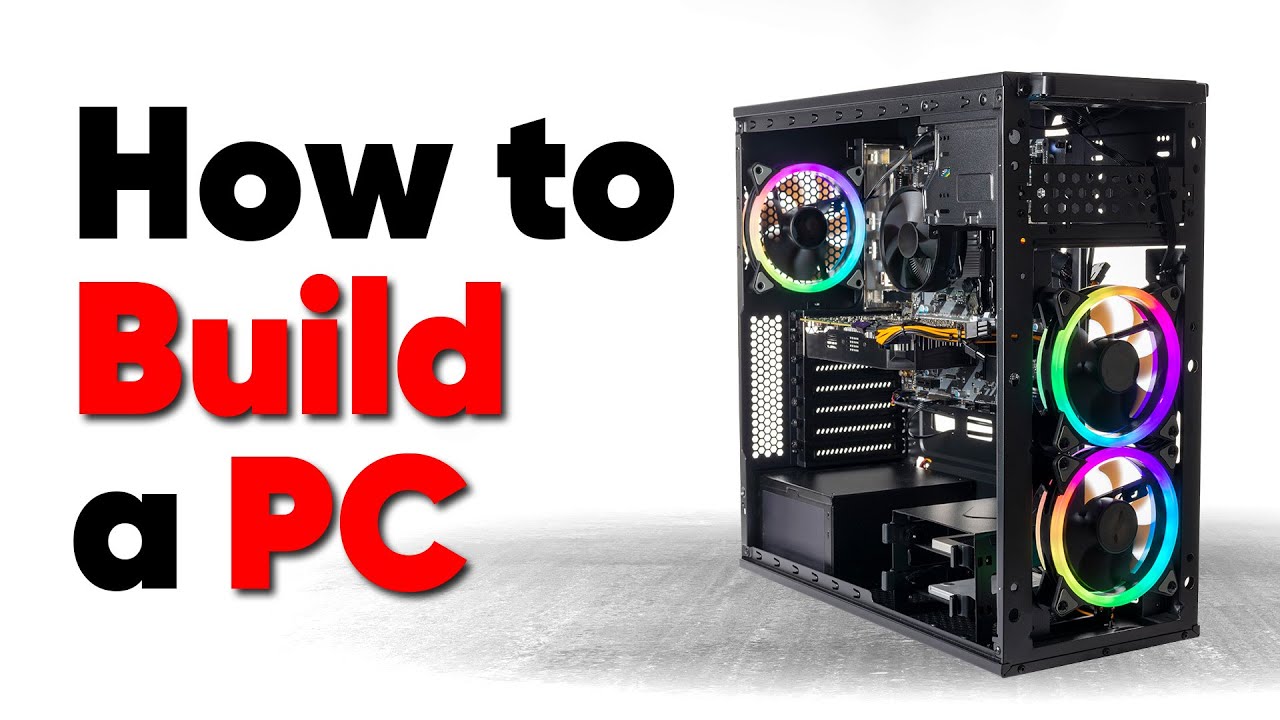
Building your own PC allows for customization, cost savings, and an understanding of how your system works. Here’s a beginner-friendly guide to building your first PC.
Required Components
- Processor (CPU)
- Motherboard
- Memory (RAM)
- Storage (SSD/HDD)
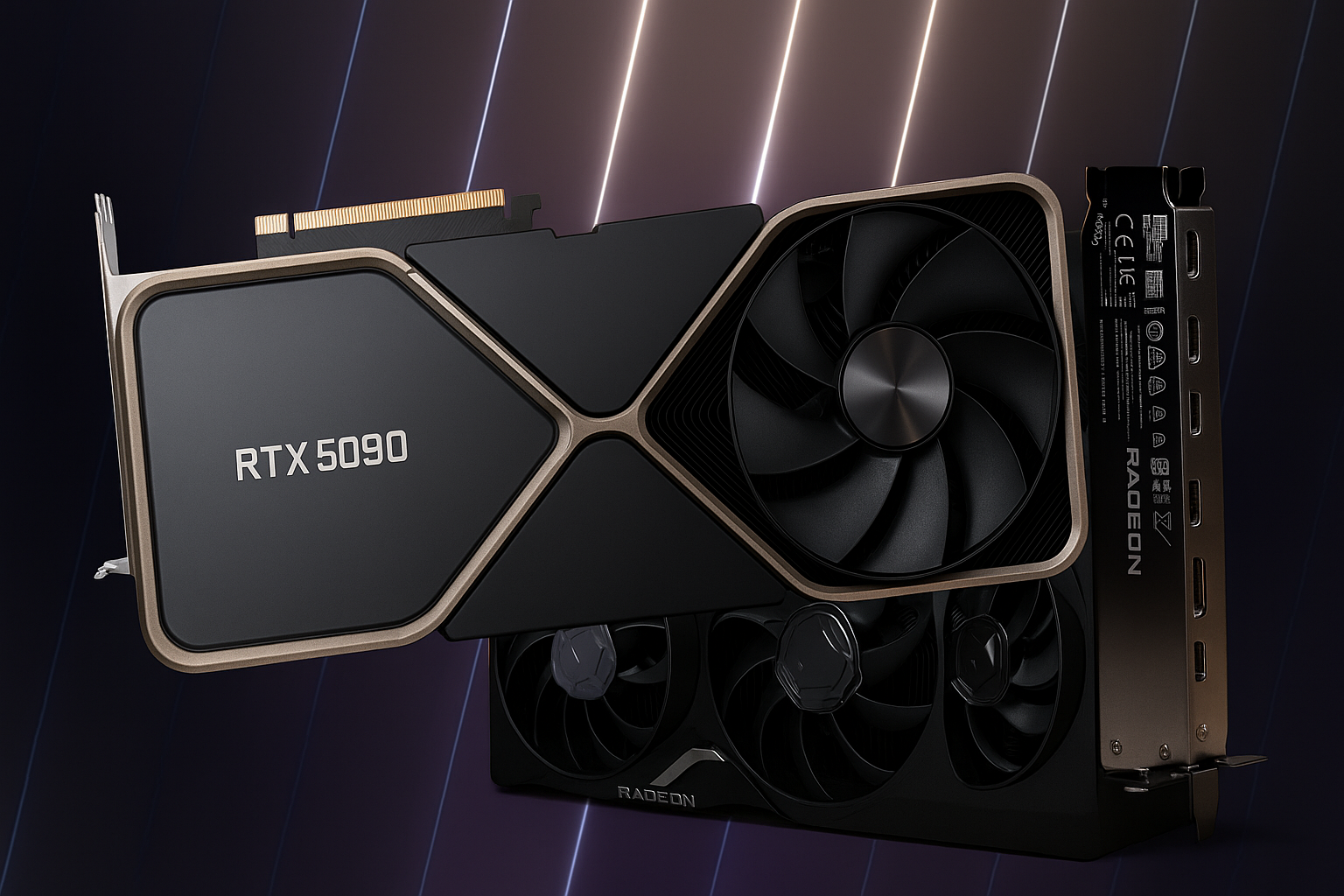
- Graphics Card (GPU)
- Power Supply (PSU)
- Case
Step-by-Step Guide
- Install the CPU and RAM on the motherboard.
- Mount the motherboard into the case.
- Connect power supply cables.
- Install storage devices and GPU.
- Connect case fans and front-panel cables.
- Boot up and install an operating system.
“Building your own PC gives you full control over performance and aesthetics.”
Once you’ve assembled your PC, test for stability and enjoy the satisfaction of a custom-built machine.